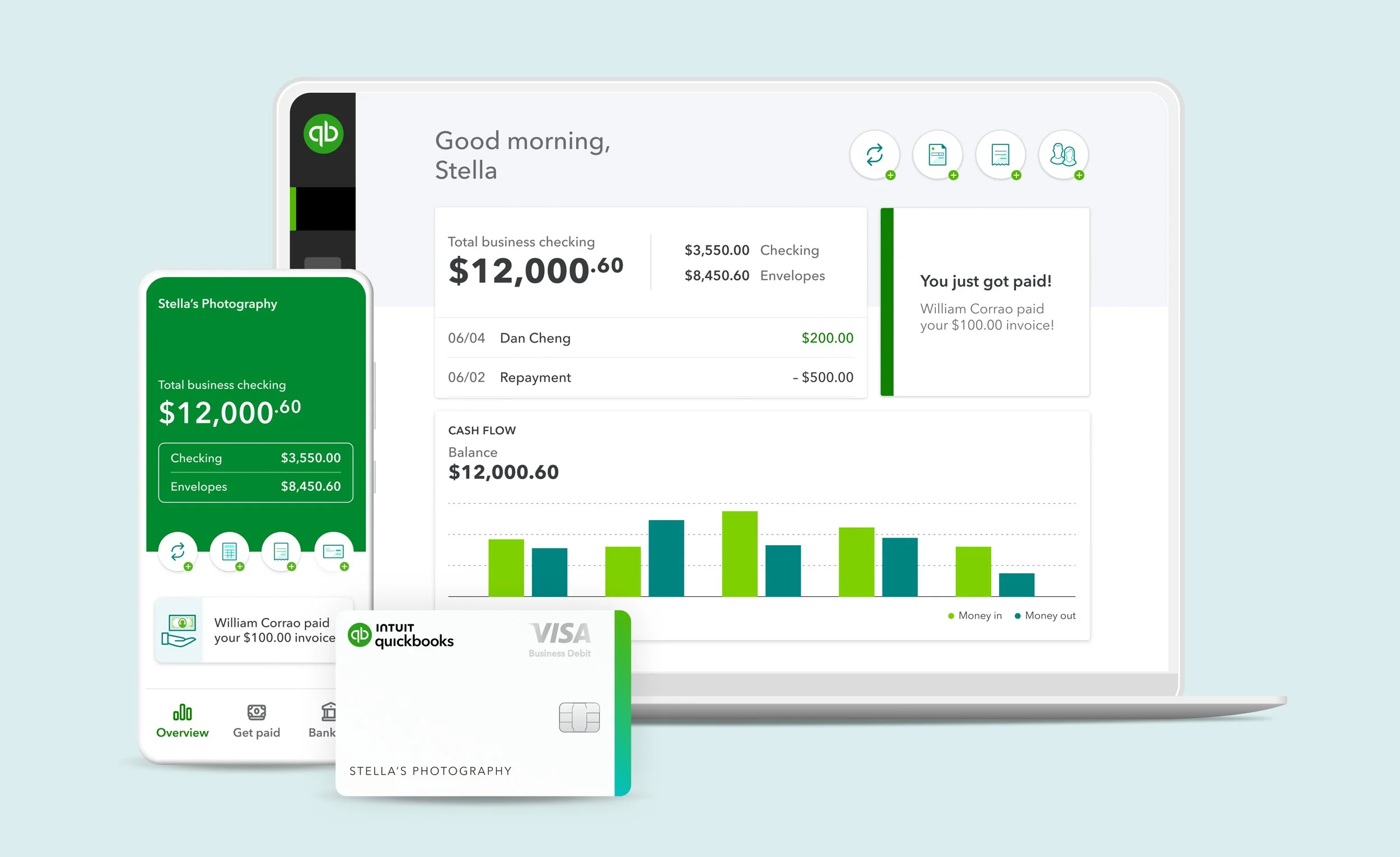
Think of QuickBooks Online (QBO) as a powerful engine. While powerful and very capable, even the best engine won’t get you where you need to go if you’re driving it in the wrong gear. For many business owners, QBO becomes a source of confusion and eventually a burden you just want to ignore. You log in, see a bunch of numbers, but you don't actually trust that they reflect your bank account’s reality and have no idea where things went wrong.
If your books feel like a puzzle with missing pieces, don't worry. It’s a common hurdle, and the fix is usually simpler than you think. Read to the end for a bonus tip!
Here are five clear signs your QBO setup needs a tune-up:
1. Your "Uncategorized" Accounts are Bulging
When you aren’t sure where a transaction goes, it’s tempting to park it in "Uncategorized Expenses" or "Uncategorized Income" and promise to deal with it later.
The Problem: "Later" rarely comes. If your Profit and Loss statement is full of uncategorized mystery meat, your data is useless for strategy or tax deductions.
The Fix: Spend 15 minutes a week clearing your bank feed. If you’re unsure, check the vendor name or find the receipt rather than spamming the "Uncategorized" accounts.
2. A Massive Balance in "Undeposited Funds"
The Undeposited Funds account is a temporary holding area for money you’ve received but haven't physically taken to the bank yet.
The Red Flag: If this balance keeps growing, you’re likely double-counting your income.
How it Happens: You record a payment on an invoice (sending it to Undeposited Funds), but then you "Add" the deposit again when it hits your bank feed instead of "Matching" it.
The Result: Your income looks twice as high as it actually is, and your taxes will follow suit.
3. The "Bank Balance" vs. "QuickBooks Balance" Disconnect
On your dashboard, QBO shows two different numbers side-by-side. While they might differ slightly due to checks that haven't cleared, they should be very close.
The Sign of Trouble: If these numbers are thousands of dollars apart, your books are out of sync.
Common Culprits:
Duplicate transactions.
Personal expenses being mixed into the business file.
Failure to perform a monthly Bank Reconciliation.
The Fix: Reconcile your accounts every single month. It’s the only way to ensure every penny is accounted for.
4. Relying Solely on the Bank Feed
The bank feed is a great automation tool, but it is not a substitute for bookkeeping. Using it as your only data entry point is a major pitfall.
Why it Fails: If you only "Add" from the feed, you lose the ability to track Accounts Payable (what you owe) and Accounts Receivable (what people owe you).
The Better Way: (1) Enter your invoices and bills manually when they occur. (2) Use the bank feed to "Match" the transactions when the money moves. (3) This gives you a real-time view of your cash flow before the money even leaves your account.
5. Your Chart of Accounts is Overly Granular
Many beginner users may be tempted to create a new category for every single vendor they visit. This turns your financial reports into a grocery list rather than a business tool.
The Mistake: Having separate accounts for "Starbucks," "Dunkin," and "Local Cafe."
The Professional Way: All of those should simply be categorized under "Meals & Entertainment."
The Goal: You want to see the "forest" (the health of your business), not get hit in the face by every individual "leaf." Keep your categories high-level so your reports stay readable.
BONUS: You’re Mixing Business with Personal Transactions
It’s the most common "oops" in the world of small business bookkeeping: using your business debit card for a personal grocery run or using your personal credit card to buy a new office printer.
The Headaches:
The "Paper" Trail: It creates a mountain of manual entries to reclassify those personal draws or owner investments.
The Legal Risk: Co-mingling funds can "pierce the corporate veil," potentially putting your personal assets at risk if your business is ever sued.
The Tax Nightmare: Come tax season, your accountant has to waste billable hours untangling your Netflix subscription from your software dues.
The Golden Rule: Keep your accounts strictly separated. If you accidentally use the wrong card, record it immediately as an "Owner's Draw" or "Owner's Investment" to keep your business's true profitability clear and your liability low.
Getting Back on Track
If you recognize these signs in your QBO file, take a deep breath. You haven’t "broken" anything that can’t be fixed. Most of these issues stem from QBO making it too easy to click buttons without understanding the accounting logic behind them.
Cleaning up your books is the first step toward actually using your data to grow. When your numbers make sense, the stress of tax season vanishes, and you gain the confidence to truly invest in your business's future.
Need Help?
If you need help clean up your QBO, reach out to Tullis Consulting & Financial Services LLC for a free consultation and diagnosis. We’ll review your QuickBooks file for issues and tell you how best to move forward.