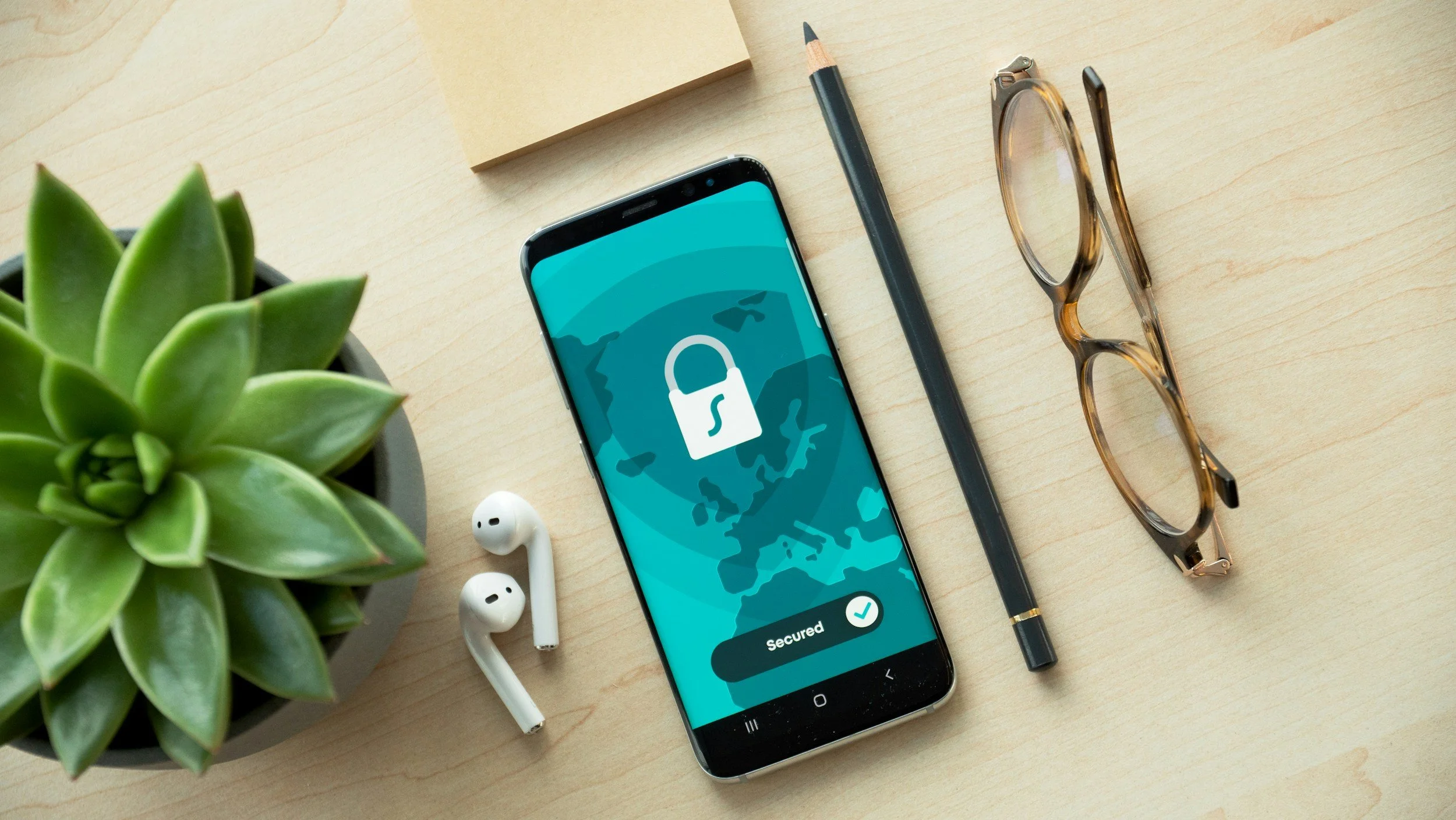
Cybersecurity is no longer just a concern for large corporations. Small businesses are increasingly targeted because they often lack strong security protections. A cyberattack can lead to stolen customer information, financial loss, downtime, and damage to a company’s reputation.
The good news is that many cybersecurity risks can be reduced with a few simple habits and safeguards.
Use Strong Passwords and Unique Usernames
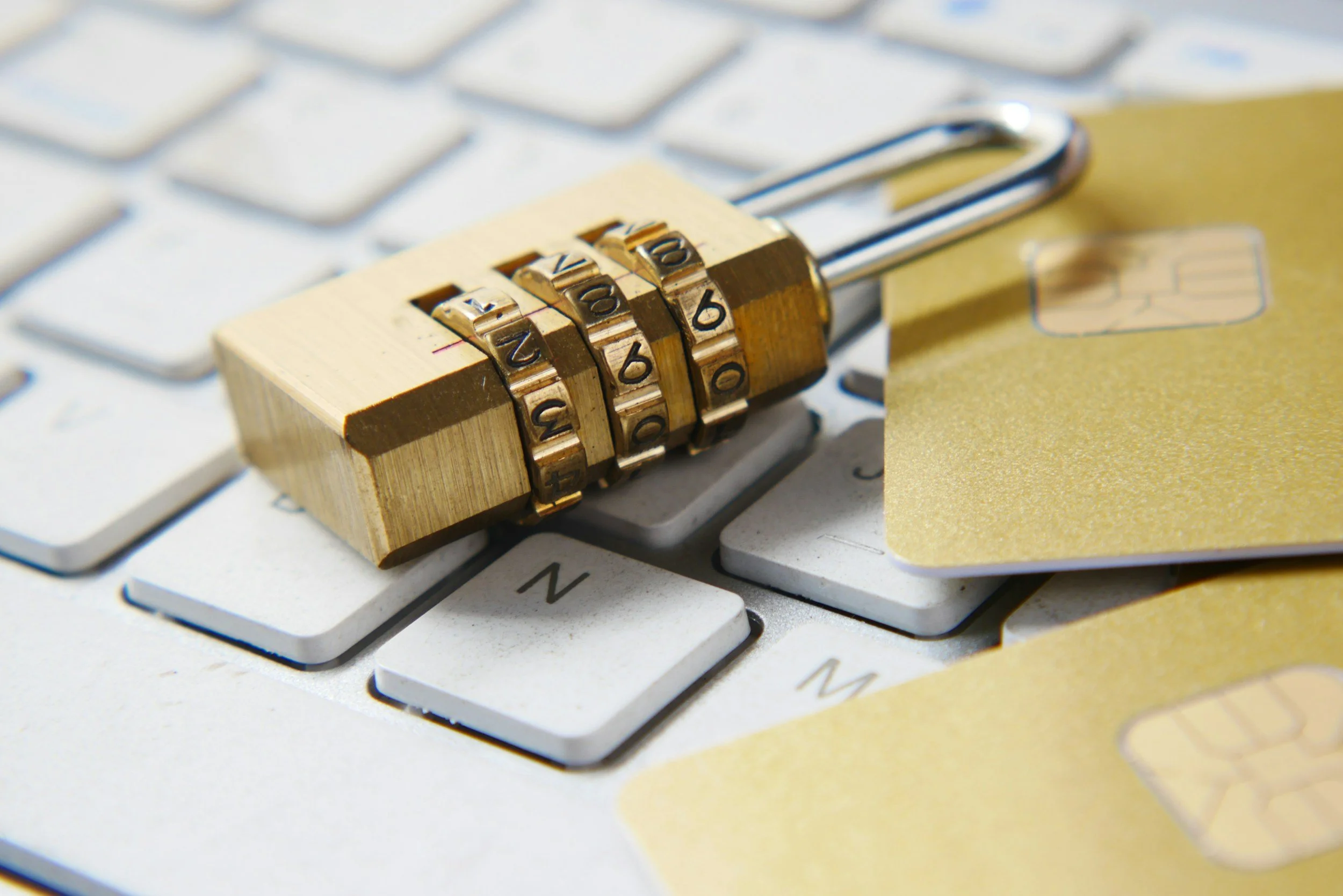
One of the easiest ways hackers gain access to business systems is through weak passwords and poor login security. Many employees still use simple passwords, reuse the same password across multiple websites, or use predictable usernames like “admin” or their company email for every login.
Businesses should create clear password policies that require:
At least 12 characters
A mix of uppercase and lowercase letters
Numbers and special characters
Unique passwords for every account
Employees should avoid using:
Birthdays
Business names
Common words
Repeated passwords across systems
Using a password manager can make this much easier. Password managers securely store passwords and generate strong random passwords that employees do not need to memorize.
Usernames are also important. Hackers often guess usernames before attempting password attacks. Avoid using overly simple usernames like:
Admin
Owner
CompanyName123
When possible, businesses should use less predictable usernames and remove inactive accounts immediately when employees leave the company.
Enable Multi-Factor Authentication (MFA)
Multi-factor authentication (MFA) (sometimes called two-factor authentication) adds another layer of security beyond just a password. MFA requires users to confirm their identity using a second method before gaining access to an account.
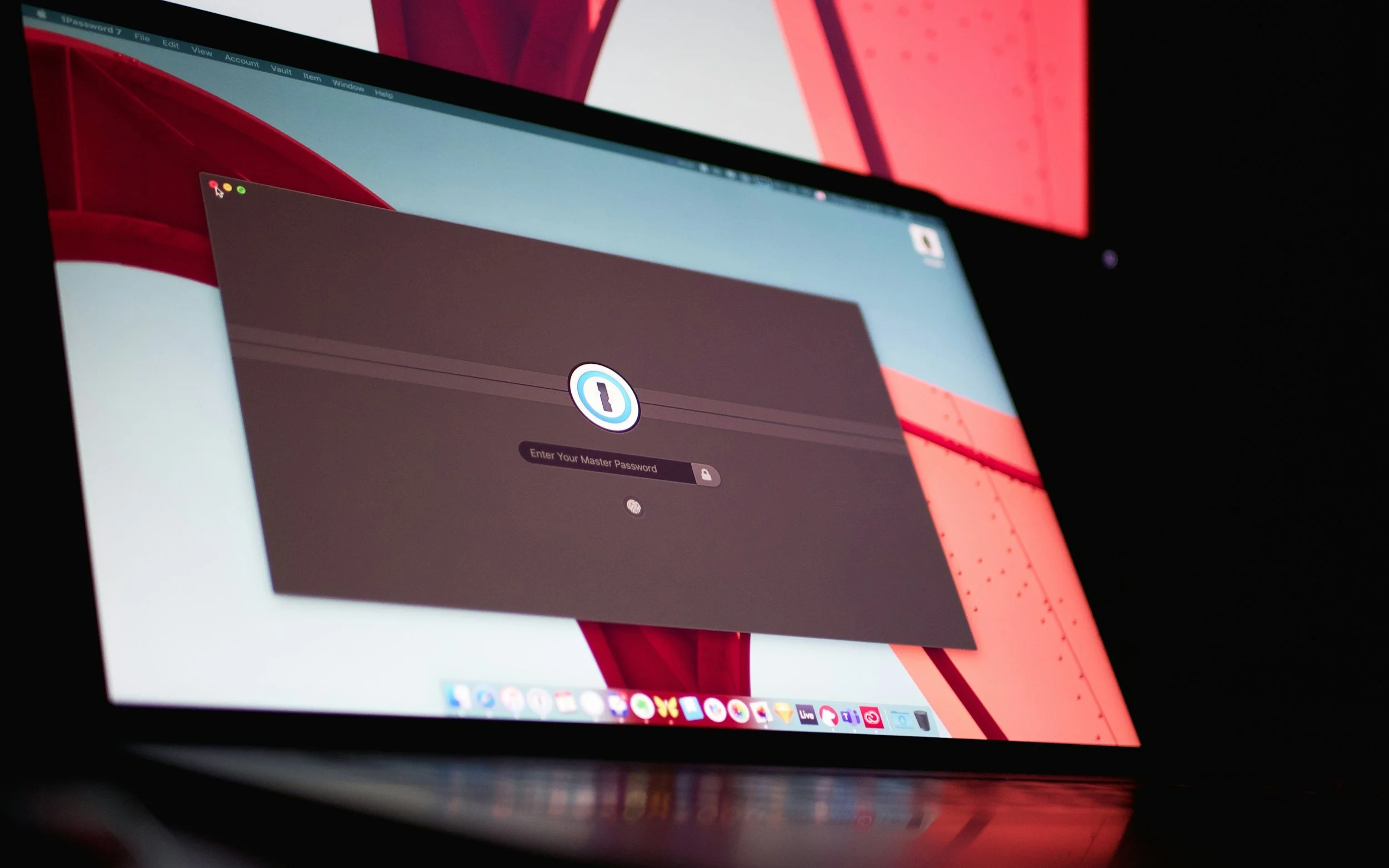
Common MFA methods include:
A code sent by text message
An authentication app
A fingerprint or facial scan
A physical security key
Even if a hacker steals a password, MFA can often stop them from accessing the account. This is one of the most effective and affordable cybersecurity protections available to small businesses.
Businesses should enable MFA on all critical systems, especially:
Email accounts
Banking platforms
Payroll systems
Accounting software
Cloud storage
Customer databases
Email accounts are particularly important because many password resets and financial scams begin with compromised email access.
Keep Software and Devices Updated
Outdated software creates security vulnerabilities that hackers actively search for. Businesses should regularly update:
Computers and mobile devices
Accounting software
Web browsers
Antivirus programs
Internet routers
Operating systems
Automatic updates should be enabled whenever possible to ensure security patches are installed quickly.
Train Employees to Recognize Scams
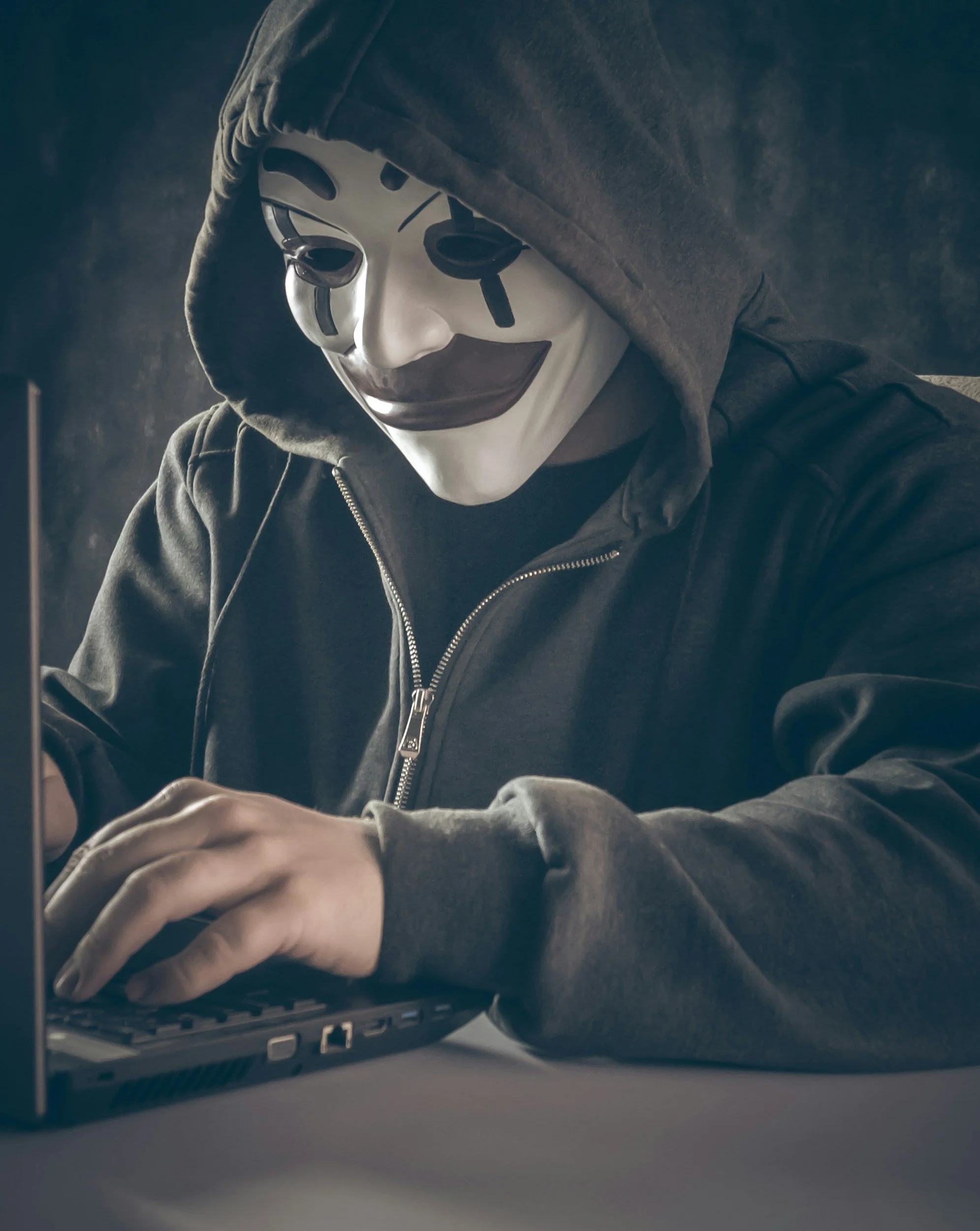
Many cyberattacks begin with phishing emails that trick employees into clicking fake links or sharing sensitive information.
Cybercriminals often disguise phishing emails as:
Vendor invoices
Bank alerts
Payroll notifications
Shipping updates
Messages from management
Employees should be trained to:
Double-check suspicious emails
Avoid unknown links and attachments
Verify payment requests verbally
Report suspicious activity immediately
Simple awareness training can prevent expensive mistakes.
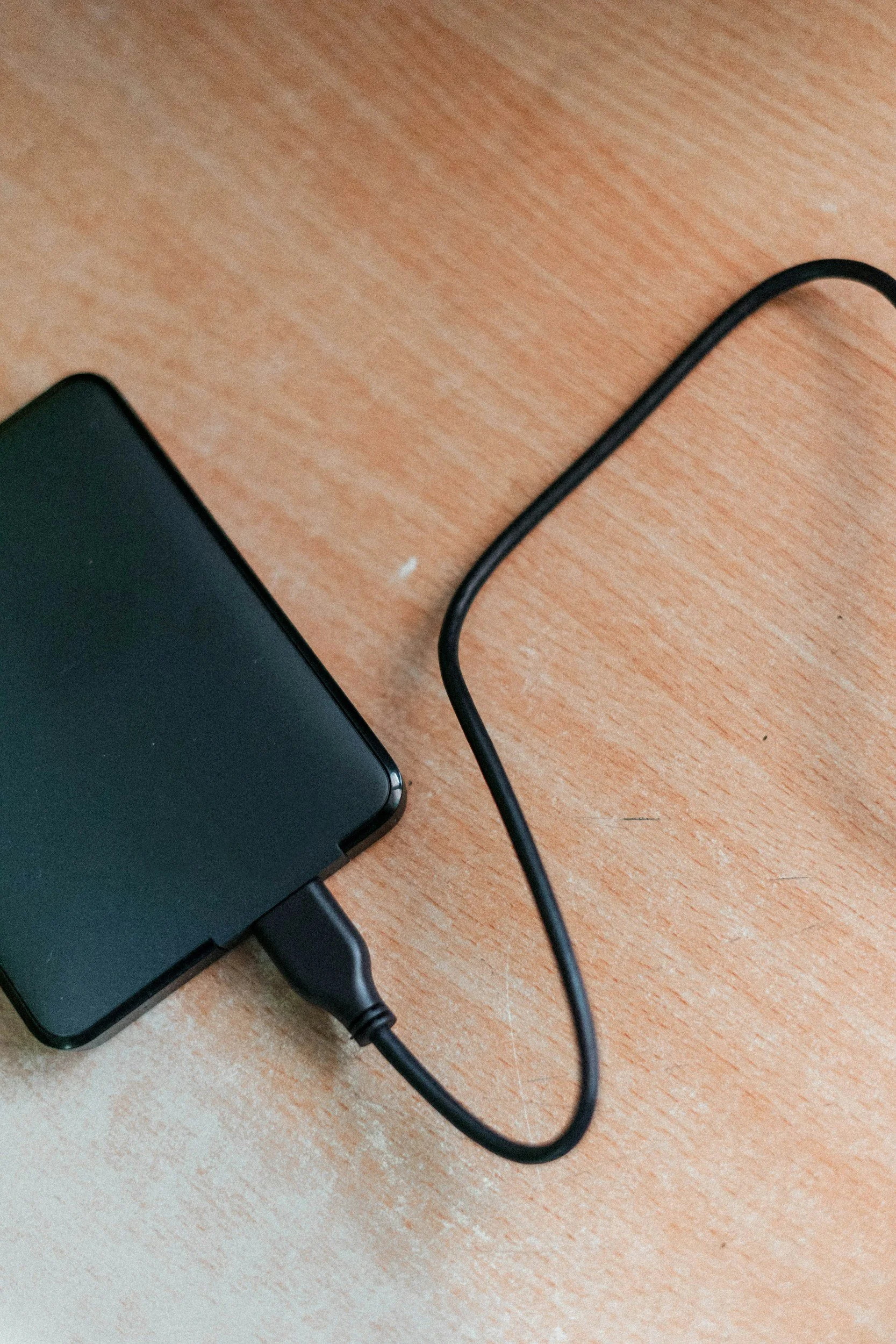
Back Up Important Data
Every small business should regularly back up important information, including:
Financial records
Payroll data
Customer information
Contracts
Tax documents
Using both cloud backups and offline backups provides stronger protection against ransomware attacks and hardware failures.
Businesses should also test backups regularly to make sure files can actually be restored if needed.
Secure Wi-Fi Networks and Devices
Businesses should protect wireless networks with strong passwords and modern encryption. Default router usernames and passwords should always be changed immediately after setup.
Additional security steps include:
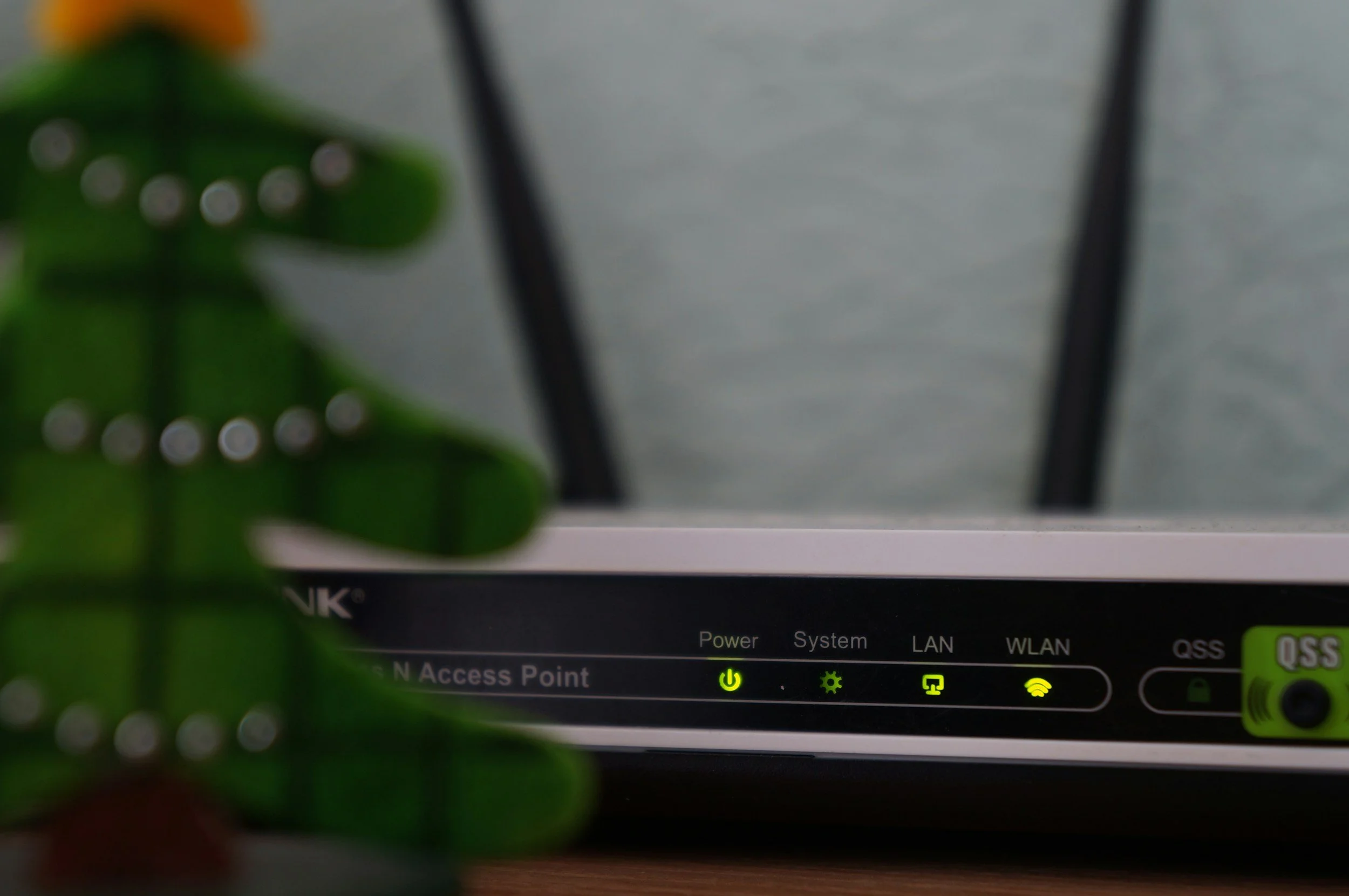
Creating separate guest Wi-Fi networks
Installing firewalls
Using antivirus software
Locking company devices when unattended
Remote employees should avoid using public Wi-Fi and deploy connection protection such as a VPN.
Limit Access to Sensitive Information
Not every employee needs access to every system. Limiting access reduces the damage that can occur if an account becomes compromised.
Businesses should:
Restrict financial system access
Limit administrative privileges
Remove old employee accounts immediately
Regularly review user permissions
Review data audit trails
The fewer accounts with sensitive access, the lower the overall security risk.
Have a Cybersecurity Response Plan

Even businesses with strong protections can experience cyber incidents. Having a response plan helps reduce confusion and downtime.
A basic plan should include:
Who to contact during a breach
How to isolate infected systems
Backup restoration procedures
Emergency IT support contacts
Customer notification procedures if necessary
Preparation can significantly reduce the financial impact of an attack.
Conclusion
Cybersecurity does not need to be overly complicated or expensive for small businesses. Simple practices like using strong passwords, securing usernames, enabling MFA, training employees, and updating software can dramatically reduce risk.
Small businesses that take proactive cybersecurity steps are better positioned to protect their finances, customer trust, and long-term operations.